





Your channel viewers will see links here, including "subscribe" and "add as friend".
Profile
Name
Scott
Description
Mancave Musician
Subscribers
12
Subscriptions
Recent Activity
 |
Scott
 |
|
|
Scott
Another classic!
|
|

Friends
Channel Comments

|
mancavemusician
(3 years ago)
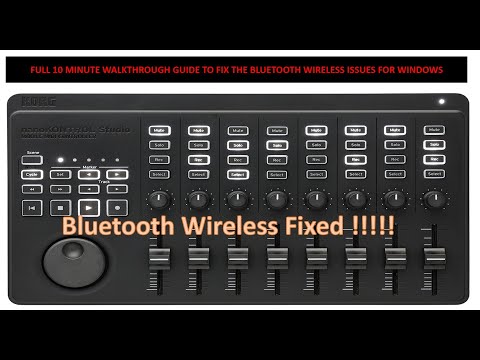
Hi, I'd love to hear from you if this solves your problem. Mine works perfectly on Bluetooth now, no cables! Please leave a comment.
|

|
Koldunya81
(2 years ago (edited))
If you still do not see it despite showing up in slots 1-8, under Bluetooth > Devices scroll down to "Bluetooth Devices Discovery" and change it from Default to Advanced "to see all types of devices" - After doing that, my NanoKey Studio showed up under Add Device :)
|

|
BenTOGM
(2 years ago)
Thanks for posting such a clear explanation and solution to the problem, this really helped with my Bluetooth woes! Now, if you could just find a solution to the KORG KONTROL Editor software not seeing the device, that'd be great
|

|
DJCJ999
(2 years ago)
I tried connecting my Nanokey studio last week after buying a copy of Ableton and the device didn't show up at all.. I have now bought a secondhand Kontrol (mostly for iOs apps) and will try this.... I guess there is maybe a firmware update available too?
|

|
Hywel1979
(3 years ago)
doesnt even come close to working on windows 11
|

|
fadishammas770
(9 months ago)
I have question. I tried all the steps above. And I managed to connect it via bluetooth and worked with it on Cubase for a whole evening. Then I switched it off (button to the left). The next day I opened cubase and I had the same issue of nanocontrol connecting for 1 second and then disconnecting. What do I do in this case?
|
Add comment