








Your channel viewers will see links here, including "subscribe" and "add as friend".
Profile
Name
AztroNut66
Description
Subscribers
1.19K
Subscriptions
Friends
Channel Comments

|
WheatleyOS
(11 years ago)
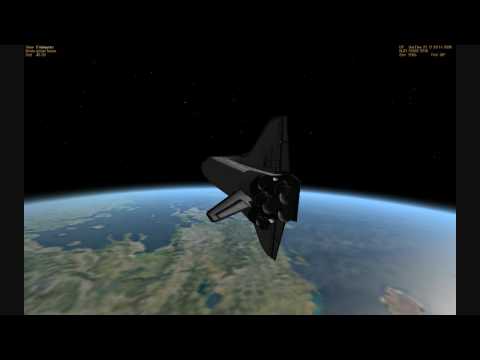
For people wondering, the game is called Orbiter 2010
|

|
bigbro117
(14 years ago)
rest in peace Neil
|

|
Lja_626
(3 years ago)
I watched this entire series lol
|

|
tog3334
(15 years ago)
FREAKIN' COOL.
|

|
tazmakhatun7655
(6 years ago)
The sound is real.
|

|
mikeosullivan3699
(12 years ago)
Nice touch with the tire tracks on the ground around the launch pad.
|

|
bennyvega100
(14 years ago)
Very awesome with the audio!
|

|
nythreefer
(16 years ago)
great vid, adding the live broadcast in was really cool
|

|
FegeleinsRevenge
(16 years ago)
This is REALLY COOL!! I feel like I was there! Thumbs up!
|

|
cirosuperiore
(5 years ago)
excellent
|

|
cjmedina1509
(7 years ago)
Wow. VERY well done.
|

|
jdmlegent
(7 years ago)
At 1:28 you can see the VAB in the far right !!!
|

|
peppertrout6102
(11 years ago)
Ultra cool.
|

|
AztroNut66
(17 years ago)
Hi Eddy, to get to ground observer...hit ctrl+F1 to bring up the "Orbiter:Camera" window...select the "Ground" tab...under Ground observer location 3rd window down select "Pad 39A"...use the "Panning speed" bar to set the speed...check or uncheck "Target lock" box to alter camera follow mode. When you get the view you want hit "Preset" tab then click add to save the view. Once you get your views saved...hit F4 to bring up the main menu options then click "Quicksave" to save as scenario.
|
Add comment