










Your channel viewers will see links here, including "subscribe" and "add as friend".
Profile
Name
MastersunTutorials
Description
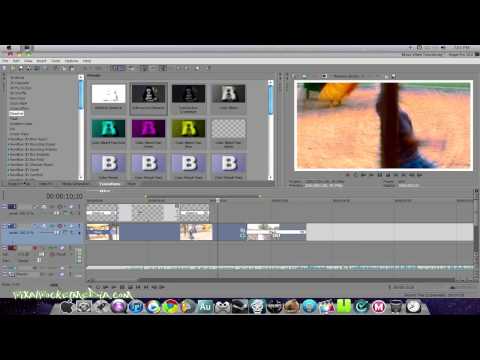
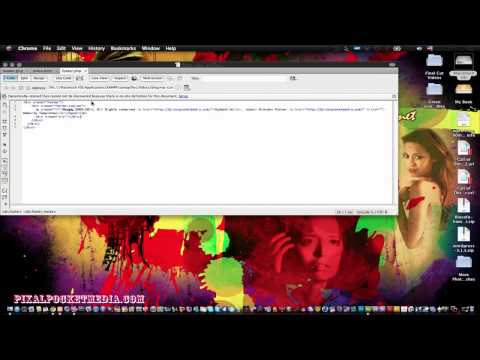
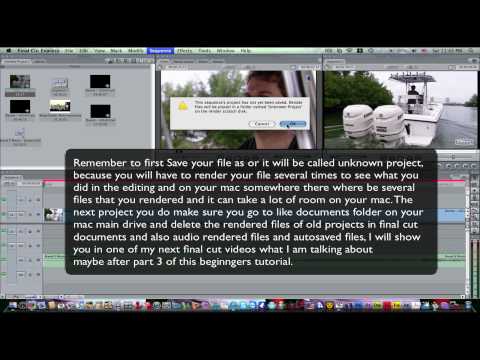
I am a geek I love computers and I love movies so I decided to do tutorials to teach people what I have taught myself. I also went to Film school and I love making short films.
Subscribers
6.3K
Subscriptions
Friends (9)


Channel Comments

|
renesaulalcala
(15 years ago)
This tutorial is amazing. Hey, don't be discouraged by the negative comments. What you are sharing with the world is amazing stuff. Keep making the world a better place by sharing what you know. YOUR WORK IS REALLY AMAZING!!
|

|
Trevorbelk
(14 years ago)
Just got photoshop and this was a lot of help, thank you.
|

|
marvinmartins1369
(14 years ago)
lmao... that's just about when i had enough and started to slit my wrist
|

|
Artistram3d1
(14 years ago)
The intro was amazing. What program did you use? The tutorial is also very nice. I subscribed!
|

|
icethief101
(14 years ago)
thank you so much!! :) It was helpfull that you explained everything in so much detail!
|

|
DoREEtoes440
(14 years ago)
did you make that intro cause when i watched it i jizzed in my pants
|

|
Mastersun88
(14 years ago)
I pretty much taught myself this stuff by messing around with the software playing with all the features and figured out what they all do.
|

|
wisemanwiwii
(15 years ago)
real good work !! very interesting i really like it !! it's a pro work
|

|
isaachaze1
(14 years ago)
uh, i didnt exactly have the same reaction as the first poster, but that was pretty damn cool.
|

|
MrVolcomHD
(15 years ago)
really good tut man and how do get a cursor that when u click glows when u click?
|

|
rotemboten
(15 years ago)
dude! thank you! very nice tutorial! and I respect u for the effort! you rock! :) you're buddy, Rotem.
|

|
MsLoveCrystal
(15 years ago)
At first i was like... 30 SECONDS TO MARS!!!!
|

|
jmcginley7790
(13 years ago)
fascinating...I am an amateur but with your patient teaching technique...I just might learn a trick or two I can try with my Elements 11
|

|
GoldenPlaypen
(15 years ago)
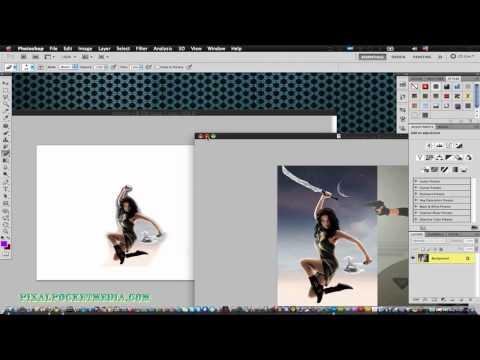
background eraser tool with tolerance set to around 30 or just mess with tolerance click and drag the color you want to remove is a bit easier and faster you make some very creative wallpapers very nice
|

|
philemon470
(13 years ago)
i like this nice one man i love it man
|

|
Sharricb
(14 years ago)
Thanks for this..interesting and creative.
|
Add comment