




















Your channel viewers will see links here, including "subscribe" and "add as friend".
Profile
Name
Photoshop Training Channel
Description
Photoshop Tutorials for beginners.
Hi, I'm Jesus Ramirez! I'm here to help you learn Adobe Photoshop and Lightroom!
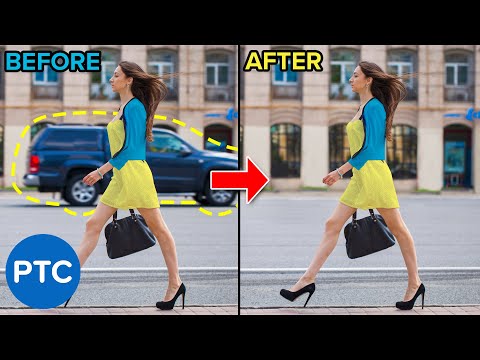
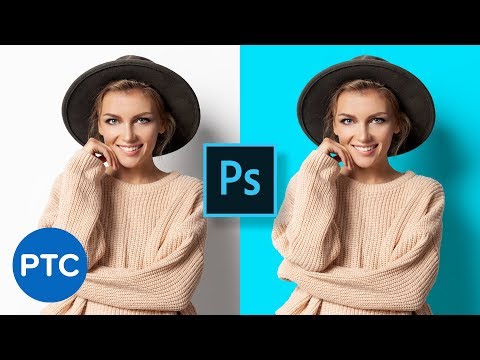
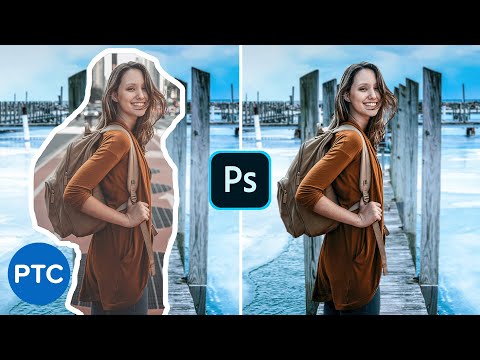
The Photoshop Training Channel (PTC) has been around since 2012. You will find professional Adobe Photoshop Tutorials for photo manipulation, compositing, retouching, text effects, and much more.
I keep the tutorials concise, simple, and fluff-free. PTC's mantra is simple: "just show me how you did that."
In my 20-year professional career, I've worked with some of the world's biggest brands, including Adobe, Microsoft, Motorola, and Conde Nast.
Most recently, I've worked as a Finisher in the Hollywood industry, creating movie and TV posters for Netflix, HBO, Hulu, and CBS.
Follow along with PTC to get accurate, no-hype, honest advice from someone who walks the walk and genuinely wants to help others.
I'm here to serve you and help you learn Photoshop. 🙏
Subscribe now, and thank you for watching!
Subscribers
2.15M
Subscriptions
Recent Activity
 |
Photoshop Training Channel
One loop around the sun, and the flare streaks across the palm trees go with it. Related Elements, the new Remove Tool option in the Photoshop Beta, finds the shadows, reflections, and lens flares tied to the object you brush. This video covers the Remove Tool settings that matter, where Related Elements falls apart, and the layer mask that fixes it.
|
|
|
Photoshop Training Channel
Adobe Added MY Suggestion to Photoshop! 🥳
What do you think?
|
|
|
Photoshop Training Channel
👀 New tutorial! Learn pro techniques to remove dark eye circles in Photoshop. Watch here 👉
|
|
|
Photoshop Training Channel
🚨 New tutorial! Have you tried both the Remove Tool and Clean Plate methods in Photoshop?
|
|


Friends
Channel Comments

|
davhooper1710
(7 years ago)
Now I can finally remove myself from this world.
|

|
skirmantech.1297
(7 years ago)
Me: Hey, do you think I look cute in this photo?
|

|
EdwinH
(6 years ago)
Repeat all these for 24 frames per second n you become a VFX artist!
|

|
youdontknowme5123
(8 years ago)
Thanks to photoshop, I can't trust this world any longer...
|

|
headrockbeats
(7 years ago)
"Just use fill with content-aware."
|

|
denissssss8579
(6 years ago (edited))
Who is watching and don’t even has photoshop but now feels motivated to start photoshop for some crazy fun stuff lol
|

|
stevenXCV
(8 years ago (edited))
I'm watching this like a deer in the headlights and I don't even have Photoshop
|

|
joelsebastian.k2065
(7 years ago)
I never thought Photoshop had these features, all we use is just a tip of the iceberg.
|

|
SB-nk2qj
(6 years ago)
Instagram Models: WRITE THAT DOWN WRITE THAT DOWN
|

|
Kevin_102
(6 years ago)
"Photo bomber" - LOL, I like the way you call it. :D
|

|
magic_cfw
(6 years ago)
Client: You didn't leave the person driving the car behind. We just wanted to remove the car.
|

|
CharlesVisualStudios
(8 years ago)
How are there people who dislike such a wonderfully presented and FREE tutorial? He didn't have to share his knowledge, I'm guessing its probably the other channels that click bate you and then talk a lot about how good the technique is and then send you to their website to buy the tutorial! THANKS A MILL Jésus!
|

|
theinnocent6303
(7 years ago)
Mom: Son, what are you doing?
|

|
AcidGlow
(6 years ago (edited))
The first step is a TIME SAVER! Can't believe i never tried that option before.. The other steps were very helpful too! thanks
|

|
FazalFariz
(8 years ago)
0:38 The couple were the photo bomber.
|
Add comment